
Paper Draft · Academic Writing · Literature Review
Paper Draft: How to Find Real Academic Sources for Any Topic
From topic to sourced draft: search 17 academic databases, pin your own DOIs, and tie every sentence to a paper that exists, in APA, MLA, IEEE and more.
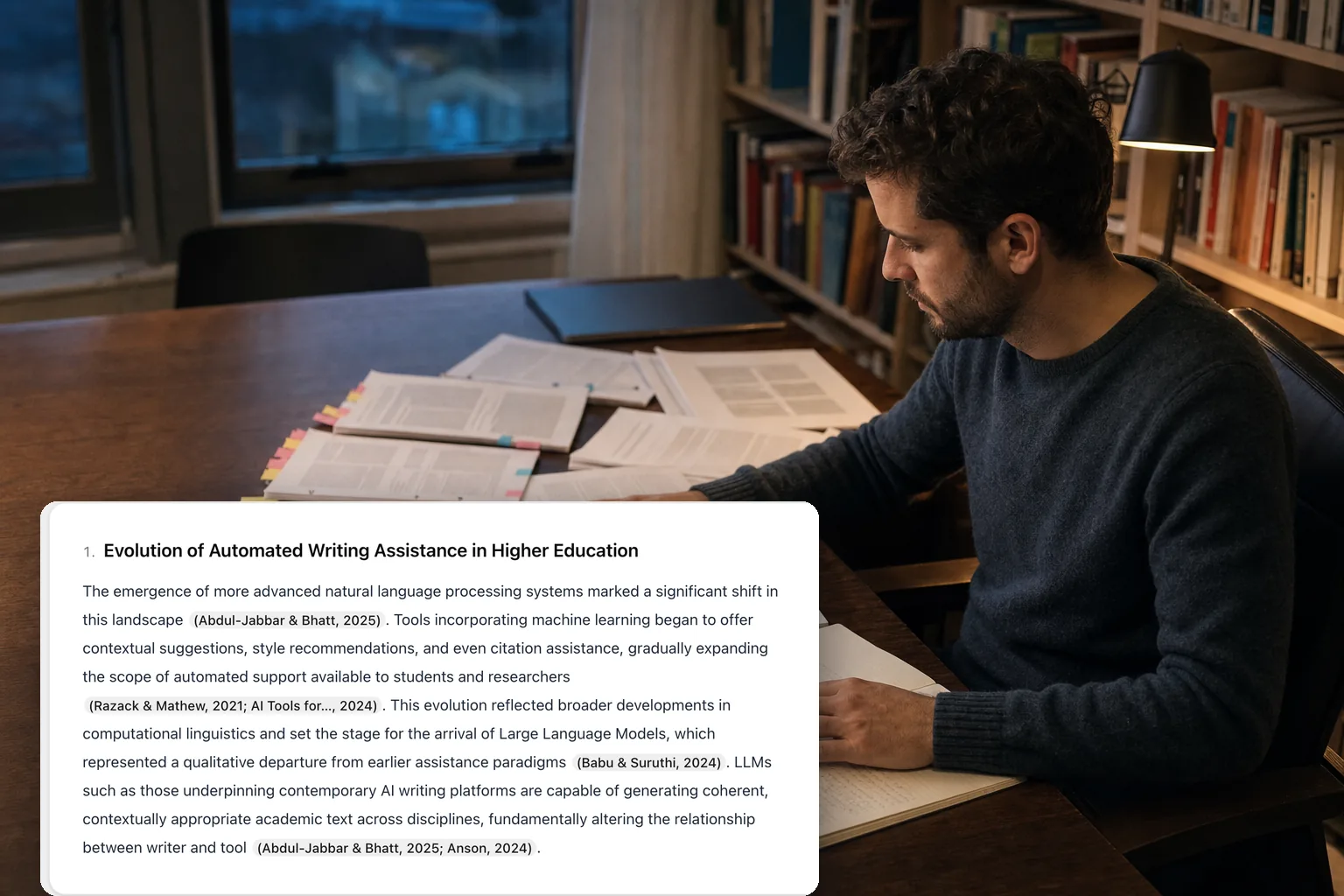
Finding the literature is the slowest part of academic writing, and the last two years added a new way to get it wrong. Ask a general-purpose chatbot to “write this section with citations” and you get fluent paragraphs decorated with references that look right, read right, and do not exist. This guide explains why that happens, how a sources-first drafting tool built on real database search avoids it, and a step-by-step process for turning a topic into a draft where every sentence points to a paper you can open.
Why chatbots invent citations
A language model generates text; it does not look anything up. When you ask for a reference, it produces the most plausible string of author names, year, title, journal and DOI, and plausibility is exactly the problem. The fabricated reference has real authors who work in the field, a real journal, a title that sounds like a paper that should exist, and a DOI that resolves to nothing or to something unrelated.
The scale is not small. Walters and Wilder asked ChatGPT for short literature reviews on 42 topics and found that 55% of the references produced by GPT-3.5 were fabricated outright, and 18% of GPT-4’s were; of the references that did exist, 43% and 24% respectively still contained substantive errors (Walters & Wilder, Scientific Reports, 2023). A reader who checks one reference and finds it real can easily assume the rest are.
The cost lands late and lands hard: a desk rejection, an academic-integrity review, or a correction that follows a paper for years. In 2023 two New York lawyers were sanctioned for filing a brief built on court cases ChatGPT had invented, the first widely reported case of its kind and far from the last.
If you already have a reference list and want to know whether it is clean, that is a different job, and the right tool for it is a citation checker that resolves every entry against the databases. This article is about the other direction: starting from a topic and ending with sources that are real.
Sources first, then text
The fix is an ordering constraint. A sources-first drafting tool retrieves the papers before a single sentence is written, and the text is only allowed to cite from that retrieved list. Anything it cannot support from the list is left unsupported, and visibly so, rather than filled in with an invented reference.
| Text-first chatbot | Sources-first drafting tool | |
|---|---|---|
| Order of operations | Write, then decorate with references | Search databases, then write from the results |
| Where citations come from | The model’s memory of what papers sound like | Records retrieved from academic databases |
| When nothing supports a claim | Invents a reference | Leaves the sentence flagged, or the section empty |
| Can you open the source? | Sometimes | Always: every citation links to a real record |
This is the principle CiteTrue Paper Draft is built on. The rest of this guide walks through using it, but the ordering is worth remembering whatever tool you use: if the sources were not found first, the citations are decoration.
Step by step: from topic to sourced draft
1. Choose the kind of work you are writing
The outline of a thesis section is not the outline of a literature review. Pick one of three work types:
- Thesis section: an academic skeleton with an introduction, a conceptual framework and a literature review.
- Article section: a compact section for a journal or conference paper.
- Literature review: the field grouped by theme, with gaps and debates made explicit.
Paper Draft drafts a two-to-four-part outline shaped like that kind of work, and searches for sources per part rather than for the topic as a whole. That matters. “AI in education” as one query returns the same twenty famous papers every time; “assessment integrity under generative AI” and “adaptive tutoring outcomes” as separate queries return the literature you actually need.
2. Describe the topic, or paste the paragraph you are stuck on
One specific sentence beats a keyword. “The impact of AI on academic writing” works; “how generative AI tools change the revision behaviour of undergraduate writers” works better. If you already have a rough paragraph, paste it: the outline will follow the argument you are trying to make instead of a generic version of the topic. Use the field’s own terminology, because that is what the papers were indexed under.
3. Pin the references you already trust
Most sections start with two or three papers you know you want to cite: the ones your supervisor recommended, the ones the field is arguing about. Add up to ten DOIs and they are resolved through Crossref and pinned as sources every section may draw on. You then decide the source scope: open search only, your references only, or both. “Both” is the usual choice; “my references only” is useful when a reviewer has told you exactly which literature to engage with.
4. Pick the citation style and output language
Choose from APA, MLA, Chicago, Harvard, IEEE, Vancouver, AMA and Turabian, and write the draft in any of eleven languages or in the language of your topic. The style can be switched after the draft is written, without regenerating, so choosing the wrong one costs nothing. If the format itself is the question, the APA, MLA and IEEE guides cover what each style expects.
5. Read the draft with the chips open
Sections stream into the editor as they are written, with a citation chip beside every claim. Click a chip to see the record behind it: authors, year, venue, how often it has been cited, and a link. This is where you do the reading that a chatbot lets you skip. A source that supports the sentence stays; a source that is merely adjacent gets removed, or the sentence gets rewritten.
6. Check the report before you copy anything
Every draft comes with a sentence-level report: how many citations, how many distinct sources, and which sentences still have no source attached. Those sentences are underlined in the text. Edit them, support them with a pinned reference, or delete them. Paper Draft will never fill that gap for you, which is the whole point: if nothing in 17 academic databases supports a claim, that is information you want before a reviewer finds it.
7. Export in the shape your workflow needs
Copy the text, or download it as Markdown, PDF or BibTeX. The BibTeX file drops the references straight into Zotero, Mendeley or your LaTeX project. Every draft is kept in your history, so a section you wrote last week can be reopened rather than regenerated.
Which databases are searched
Coverage is uneven, and that unevenness is why searching one index is not enough. Crossref indexes what publishers register; OpenAlex and Semantic Scholar add preprints and open-access copies; PubMed and the publisher platforms cover their own fields; Google Scholar catches the rest. For every part of the outline Paper Draft queries Google Scholar, Crossref, OpenAlex, arXiv, PubMed, Semantic Scholar, CORE, ResearchGate and the major publisher databases (IEEE, Springer, Wiley, ACM, Elsevier and ScienceDirect, Cambridge, BMC), then ranks the hits by how directly they support that part and keeps the best. Searching one index at a time quietly hides work that exists; searching 17 at once is how a niche paper from a society journal ends up in your literature review.
Getting better results
- Be specific. A precise topic produces a precise outline, and a precise outline produces precise queries.
- Write in the field’s vocabulary. Papers are found by the terms their abstracts use, not by lay paraphrases.
- Expect the strongest coverage in English. The draft can be written in eleven languages, but the underlying literature is indexed mostly in English, so an English topic finds more.
- Run one section at a time for long chapters. Each run stays focused, and a weak section can be regenerated without touching the good ones.
- Pin the anchors. Two or three DOIs you already trust steer the search toward the right corner of the field.
Before you submit: verify the reference list anyway
Paper Draft and the Citation Checker are opposite directions of the same discipline. Paper Draft starts from a topic and produces text whose citations are real; the Checker starts from a reference list and confirms each entry against the same databases, flagging anything fabricated, mistyped or mismatched. Even a sourced draft goes through editing, and editing is where a citation gets moved to a sentence it no longer supports. Before anything leaves your desk, run the final list through the Checker; the guide to reading its results explains what each verdict means. If the prose itself still reads like a model wrote it, the AI Humanizer fixes the rhythm without touching the citations you just verified, as described in how to humanize AI text without losing a citation. And if the paragraph is already written and only needs sources for the claims in it, the Citation Finder does that one step on its own.
What it costs
One draft costs 15 credits. If the outline cannot be built or no sources are found, nothing is charged. Every account gets 30 free credits a day, shared across CiteTrue’s tools, so two sourced drafts a day cost nothing and no card is needed to start. Heavier use runs on the credit packs and subscriptions on the pricing page.
Frequently asked questions
Can Paper Draft invent a source?
No. The text may only cite from the list of records it retrieved. Any citation marker that does not match a retrieved record is removed before the draft reaches you, and sentences left without a source are underlined so you can see them.
How is this different from asking ChatGPT for citations?
Order of operations. A chatbot writes first and decorates with references from memory, which is how fabricated citations happen. Paper Draft searches the databases first and writes only from what it found.
Which citation styles are supported?
APA, MLA, Chicago, Harvard, IEEE, Vancouver, AMA and Turabian, switchable after the draft is written.
Can I use my own references?
Yes. Add up to ten DOIs; they are resolved through Crossref and appear in every section’s source list. You choose whether the draft cites only those, only what it finds, or both.
Is it free?
Every account gets a daily free allowance of 30 credits and a draft costs 15, so two drafts a day are free. Nothing is charged when no sources are found.
Next step
Open Paper Draft, pick a work type, and describe the section you are writing in one specific sentence. Read every chip before you keep a sentence, fix the underlined ones, and run the final list through the Citation Checker before you submit.
Related posts
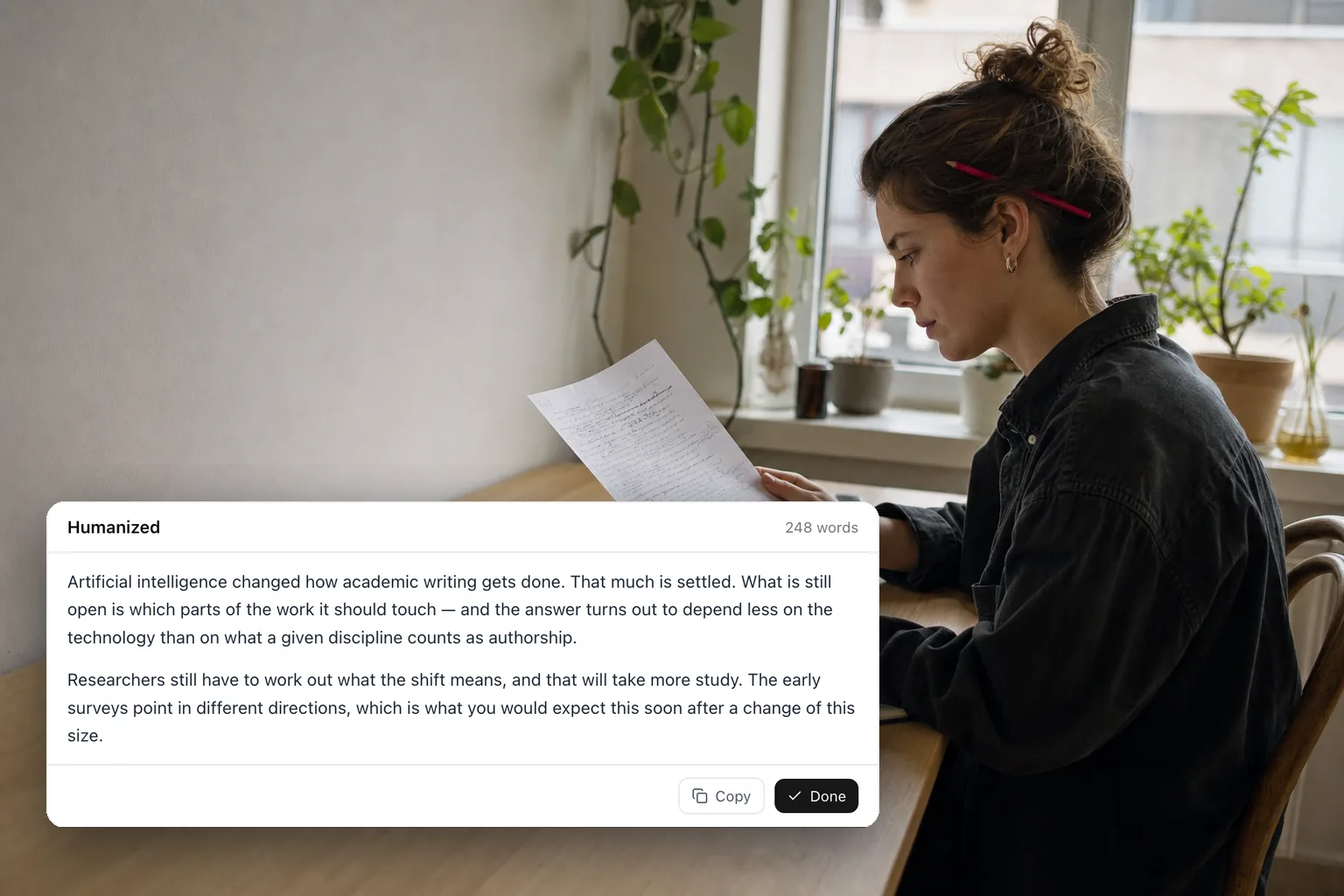
AI Humanizer · Academic Writing
How to Humanize AI-Generated Text Without Losing a Single Citation
A step-by-step guide to rewriting GPT, Claude or Gemini drafts so they read like a person wrote them, with every fact, number and citation left intact.
8 min read

Research · Evaluation
Jev vs. Six LLMs on Citation Matching: 5× Faster, 6–440× Cheaper, and What It Gives Up in Accuracy
TypeSafe's Jev decision model against Gemini, Claude and GPT on 60 hard citation-matching cases: 0.15 s and $0.04 per 1,000 judgments, and what it gives up.
26 min read